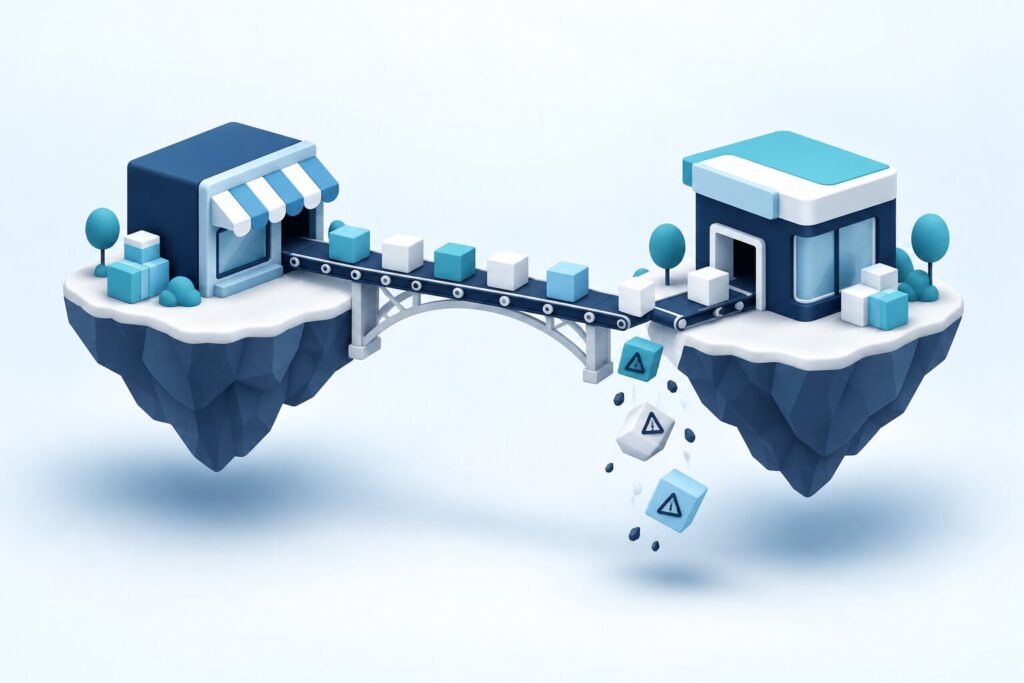
You can upgrade Magento 2 with zero downtime when a staging environment, early detection of module incompatibilities and full regression testing all happen together, in the right order, before any change reaches production. In our experience, most upgrade panic comes from companies treating the version upgrade as an emergency, typically in response to a security alert, and skipping the very steps that would otherwise guarantee a smooth transition. In many cases the upgrade doesn’t clash with Magento’s core code at all, but with installed third-party modules, and that conflict can only be uncovered safely through thorough testing on a properly built staging environment. This article walks you step by step through upgrading Magento 2 in a controlled way, without downtime and without panic.
Staging environment: a safe testing ground for the upgrade
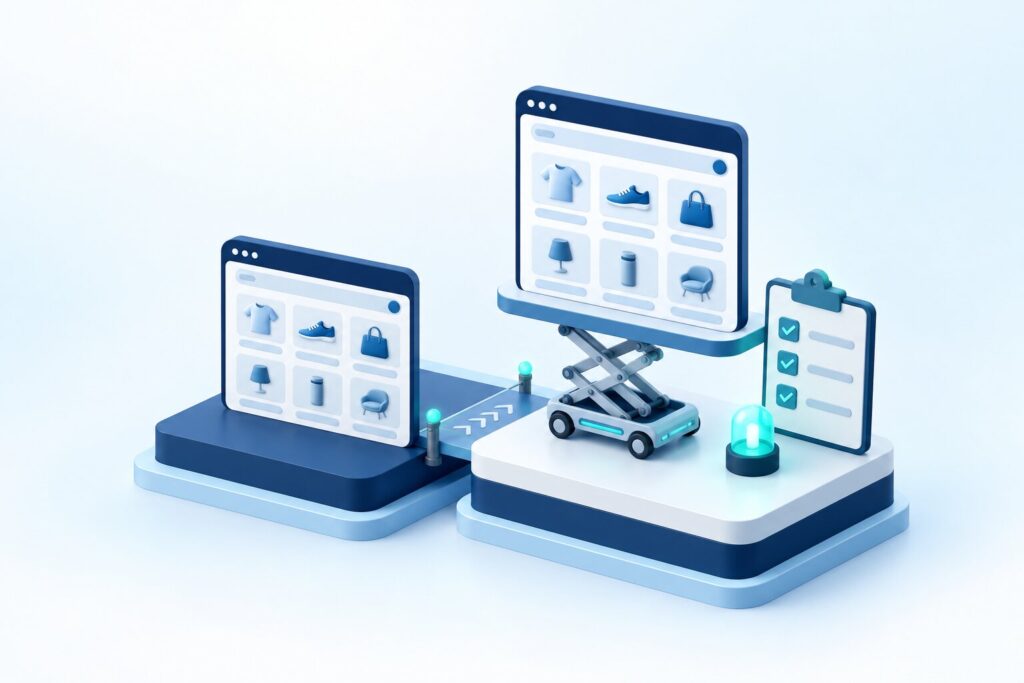
A staging environment is the foundation of every safe Magento 2 upgrade, because it is the only place where you can test every effect of a version change on real data, risk-free, before it touches your live system. In our experience, staging needs to mirror the production configuration precisely, including modules, custom code, database structure and, ideally, data volume, because a simplified test running on less data won’t reveal the problems that surface under real load. In the cases we have examined, the upgrades that went through without downtime were the ones where staging was a fresh, complete copy of production and the team ran the entire upgrade process there at least once before setting a date for the live upgrade.
What should a reliable staging environment include?
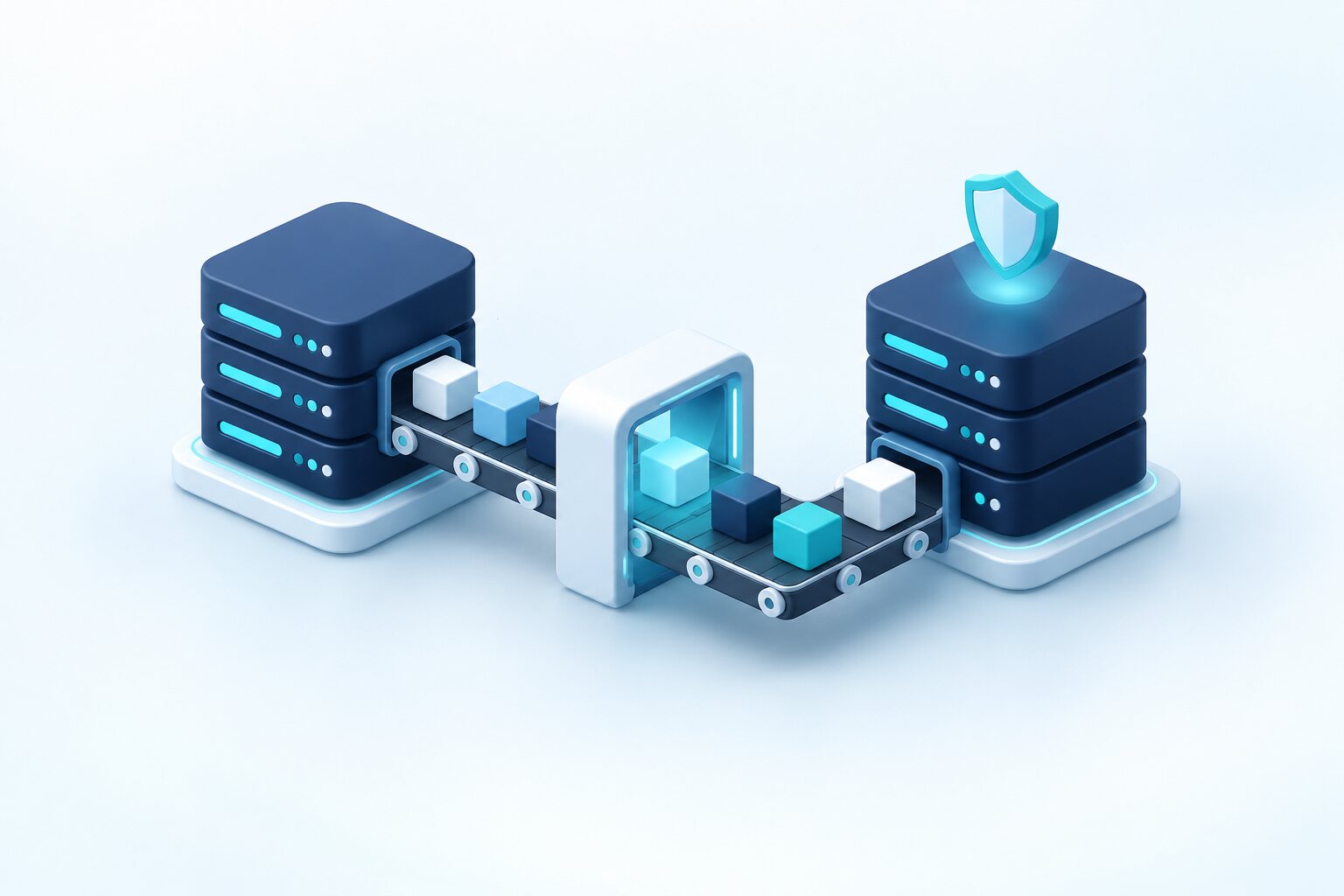
A reliable staging environment should include a fresh copy of the production database, every installed third-party module, your custom developments and the server configuration, because that is the only way to reliably find out how the system will behave after the upgrade. When a simplified staging test with a reduced data set is not enough: if your store has a large product catalog or a high daily transaction volume, because performance issues only become visible with real data volumes, not on a trimmed-down test database.
Module incompatibilities: the most common upgrade pitfall
Module incompatibility is the most common reason a Magento 2 upgrade runs into unexpected errors, because every installed third-party extension is updated on its own schedule, often at a different pace than Magento core, and isn’t always compatible with the new version right away. In many cases we have found that most upgrade problems stem from the team not checking the compatibility matrix of every installed module in advance, only to discover during staging tests that a critical, business-essential module doesn’t work with the new version. We have seen this pattern across multiple projects: the more complex the module structure built during Magento store development, the more likely it is that at least one module will need an update or a custom fix before the version change.
How can you map module incompatibilities in advance?
To map module incompatibilities in advance, check each installed extension’s vendor compatibility list against the new Magento version, then test the upgrade module by module, in a controlled way, on staging so you can pinpoint exactly which module causes a problem. Who shouldn’t update all modules at once without testing: stores running many custom modules that depend on each other, because identifying a faulty module becomes much harder when every change happens at the same time.
| Upgrade step | Goal | Risk of skipping it |
| Setting up a staging environment | An exact, risk-free copy of production | Real bugs only surface in production |
| Checking module compatibility | Uncovering conflicts that can be identified in advance | Unexpected, business-impacting errors after the upgrade |
| Regression testing | Validating full functionality | A critical process breaks after go-live |
| Scheduled go-live during low traffic | Minimal impact on users | Downtime in the middle of daily business |
Regression testing: the final safety net
Regression testing is the final step that ensures every critical function of the upgraded system, from add-to-cart through payment to order completion, works exactly as it did before the upgrade. In our experience, most clients avoid unexpected post-upgrade errors when regression testing covers not just surface-level features but also the ERP integration and other external system connections, because these often react more sensitively to a version change than native Magento features do.
What must regression testing cover?
Regression testing must cover the entire customer journey, the payment process, order processing in the admin and every external integration, because together these make up the full set of your store’s business-critical functions. Is it worth supplementing regression testing with automated tools? Yes, because automated tests can be repeated much faster and more consistently in every upgrade cycle than purely manual checks, which tend to miss details over time.
Go-live timing and practical steps for a zero-downtime transition
The timing of the go-live alone has a major influence on how noticeable the upgrade is to end users, because a well-prepared version change carried out during a low-traffic period goes virtually unnoticed. In our experience, most successful zero-downtime upgrades take place at night or on weekends, during the store’s lowest-traffic period, and the team has a step-by-step rollback plan prepared in advance in case the upgrade causes an unexpected problem after all.
What kind of rollback plan does a safe upgrade need?
The rollback plan for a safe upgrade should include a complete, fresh database and code backup taken immediately before the upgrade starts, along with a documented, quickly executable rollback procedure that restores the pre-upgrade state within minutes. When is it advisable to start an upgrade without a rollback plan? Never, because even the most thoroughly tested upgrade can carry unexpected risks that only become visible under live traffic.
For a zero-downtime Magento 2 upgrade, work through these steps in order:
- Create an exact copy of the production system in a staging environment.
- Check every installed module for compatibility with the new version.
- Run full regression testing on staging.
- Prepare a rollback plan and a fresh backup before go-live.
- Go live during a low-traffic period, with enhanced monitoring.
When preparing for the upgrade, also consider the following:
- Your current Magento hosting and maintenance partner’s experience with similar version upgrades.
- How well custom developments and modules are documented for the compatibility check.
- How well the regression test case list covers critical business processes.
- The team’s availability and response time in the first hours after go-live.
- Timing the upgrade around seasonal traffic fluctuations.
Why “it works on my machine” isn’t good enough
The “it works on my machine” attitude is one of the most common traps leading to upgrade panic, because an upgrade that succeeded in a developer’s own, often minimal environment tells you nothing about how the system will behave with the real production configuration. In our experience, most unexpected upgrade errors happen because the development environment didn’t include the full set of modules, the production data volume or the specifics of the server configuration, and these differences only come to light when the upgrade is already too close to go-live to fix them calmly.
Which specific differences cause the most surprises at go-live?
Most surprises come from differences in PHP version, server-side software stack and cache configuration between the development and production environments, because these factors directly affect how the upgraded code behaves under real load. When you shouldn’t rely solely on developer testing: if your store is a complex B2B system with many integrations, because without a staging environment it is almost guaranteed that some unexpected problem will only surface in production.
Communicating with your team and customers during the upgrade
Communication before and during the upgrade is an often underestimated factor, yet well-prepared, transparent information significantly reduces stress and rushed decisions if an unexpected problem does arise during go-live. In our experience, most clients avoid panicked reactions when, before the upgrade, they clearly inform internal teams such as customer service and sales about the planned timing and any short, scheduled maintenance window, even when the goal is a fully zero-downtime transition.
Should you tell customers about a zero-downtime upgrade?
With a truly zero-downtime, well-prepared upgrade, you don’t necessarily need to notify customers separately, because the whole point is for the process to go unnoticed by them. Is it still worth displaying a short, precautionary maintenance notice for the critical period? Yes, especially if the complexity of the upgrade or the size of the system means a brief disruption is unlikely but still possible, because a short advance notice always makes a better impression than an unexpected, unexplained error.
Post-upgrade monitoring and managing the stabilization period
The first few days after an upgrade are a critical observation period, because some problems only appear under real production traffic and with certain user behavior patterns that staging tests may not have fully covered. In many cases we have found that after the most successful upgrades, the team maintains enhanced monitoring for at least 48–72 hours, which immediately flags any critical process that behaves abnormally.
How long before an upgrade can be considered fully stable?
An upgrade can be considered fully stable once the system has run without problems for at least one full business cycle, typically one to two weeks, including daily peak traffic periods and every regularly scheduled background process, such as indexing or ERP synchronization. Who shouldn’t stop monitoring early after an upgrade: companies with a complex store and many integrations, because for them some problems only become visible after a full business cycle, not in the first few hours.
Which upgrade process is the right choice for avoiding panic?
The right choice is never to rush into the upgrade in a hurry because of a security alert. It is to set up the staging environment, uncover module incompatibilities in advance and run full regression testing in a disciplined order, with enough time, before any change reaches production. In our experience, what most successful zero-downtime upgrades have in common is that staging was not a simplified test version but an exact, complete copy of production, with the same modules, data volume and server configuration, because that is the only way to reliably uncover the problems that stay hidden under an “it works on my machine” approach. In many cases, module incompatibility proved to be the biggest risk factor, so checking every installed extension’s compatibility in advance, one by one, and testing it on staging is essential to pinpoint the source of any error before go-live.
In our experience, an upgrade doesn’t end at the moment of go-live, because most unexpected problems only appear under real traffic, a few days later or even within a full business cycle. That is why 48–72 hours of enhanced monitoring, followed by continued close observation, is just as important as the staging tests themselves. Who shouldn’t run an emergency upgrade without staging tests: practically no store with complex integrations or significant daily traffic, because for them a single undetected module incompatibility can lead to immediate, business-critical downtime. The right choice, then, is a pre-planned upgrade process backed by a rollback plan, one that brings staging tests, compatibility checks, regression validation and post-go-live monitoring together into a single, coordinated system. This approach ensures that your Magento 2 upgrade runs in a controlled way, truly without panic or downtime.