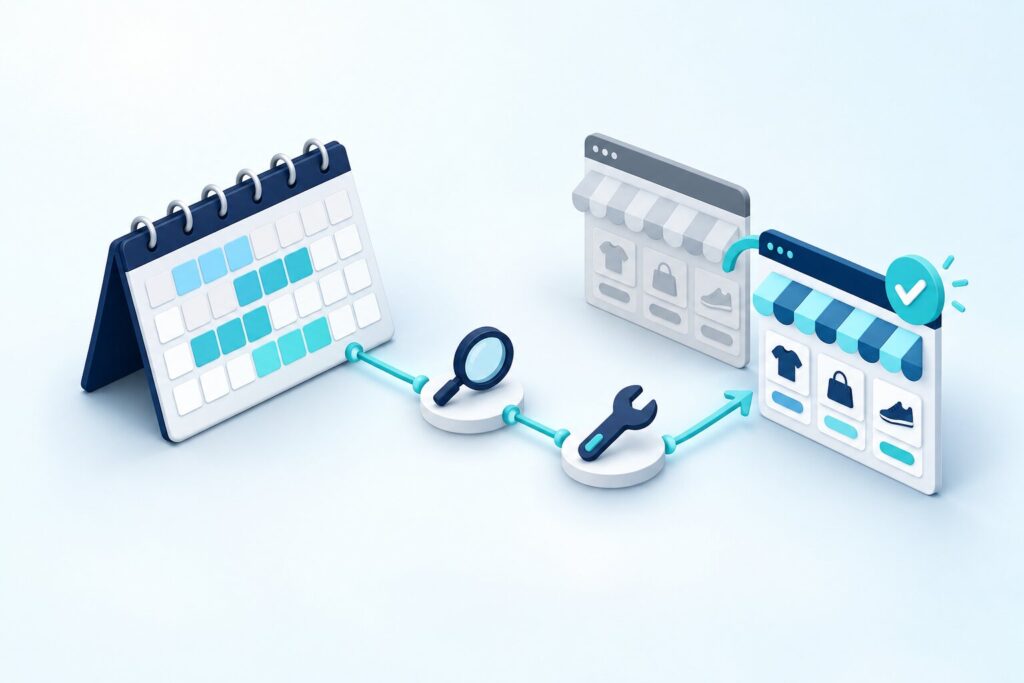
The 30-day Magento project rescue plan consists of four consecutive phases: audit, stabilization, integration repair and go-live, which together ensure that a stalled online store runs reliably again within a month. In our experience, most business leaders turn to a project rescue when they have run out of patience with uncertain deadlines, but have no clear idea how long it really takes to reach a stable state. In many cases, a 30-day timeframe is realistic if the system’s core architecture can be salvaged and the team sticks strictly to the order of the phases instead of trying to fix everything at once in parallel. This article walks you step by step through how a Magento project rescue plan is structured from day one to go-live, and which concrete milestones show that the process is genuinely moving forward.
Days 1–7: a full audit to uncover the real state of things
The audit phase is the foundation of every Magento project rescue plan, because without it both stabilization and integration repair would be guesswork rather than being based on real data. In our experience, the goal of the first week isn’t to fix bugs immediately but to map out the full picture: the state of the codebase, the number of security vulnerabilities, the health of the database and the performance of the server environment. In the cases we have examined, the project rescues that stayed within the planned timeframe were those where the audit produced a concrete, prioritized bug list within the first three days, so real work could start right away from the second week.

What concrete output should the first week’s audit deliver?
By the end of the first week, you should have a document that categorizes the issues found by severity (critical, moderate and cosmetic) and assigns an estimated fix time to each item. When you should not move on to stabilization: if the audit hasn’t yet clearly established whether the system’s core architecture (the database structure and the main integrations) is sound, because in that case rushed stabilization can bring new hidden problems to the surface along the way.
Days 8–15: stabilization and immediate resolution of critical issues
In the stabilization phase, the goal isn’t perfection but restoring safe, reliable operation of the online store, which provides the foundation for further development. In many cases, we have found that the most critical problems requiring immediate action are concentrated in the payment flow, order processing and security vulnerabilities, so these need to be tackled first, before any larger structural changes begin. We have observed this pattern across several projects: where the team worked exclusively on the critical bug list in the second week and didn’t let requests for new features distract them, stabilization consistently wrapped up within the planned week.
Why you shouldn’t develop new features in this phase
Developing new features during stabilization is risky because every new piece of code can introduce further instability into a system that isn’t yet stable, putting the entire 30-day schedule at risk. Who should follow this approach strictly: any company whose online store generates revenue every day, because for them restoring stability comes before every other priority, and development wishes must be deliberately postponed until after go-live.
Days 16–24: integration repair and the role of the Hyvä theme
The integration repair phase is when the ERP connection, payment providers and other external systems are restored, and often when frontend performance is radically improved as well. In our experience, most clients see the biggest, immediately noticeable improvement when the Magento 2 system is moved onto the Hyvä theme during this phase of the rescue, because this lightweight frontend, built on Alpine.js and Tailwind CSS, drastically reduces load times compared with the traditional Luma frontend. In the cases we have examined, introducing the Hyvä theme on its own significantly improved the user experience and conversion metrics, even before the full ERP integration was finalized.
When is it worth switching to the Hyvä theme as part of a project rescue?
Introducing the Hyvä theme pays off as part of a project rescue if the current frontend is built on the traditional Luma theme or an outdated, hard-to-maintain custom theme, and the store’s speed is already causing conversion problems in its own right. When a theme switch is not recommended in this phase: if the available 30-day window doesn’t allow for full frontend testing, because a hasty theme switch can introduce new bugs that put the go-live at risk.
Practical steps for restoring the ERP integration
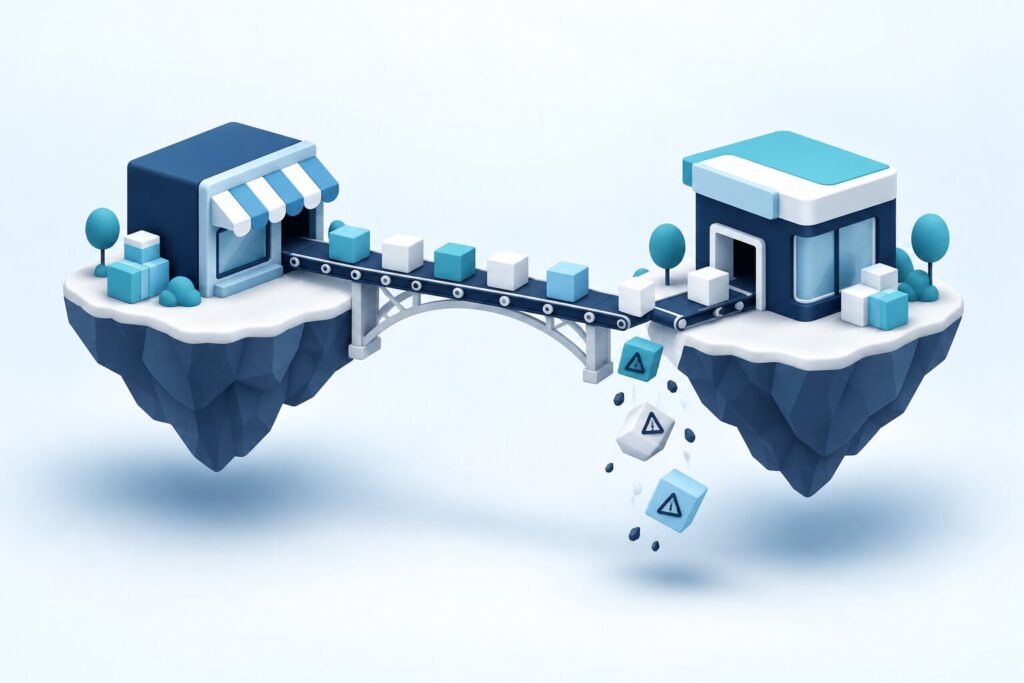
Restoring the ERP integration is typically the most time-consuming task of the third week, because this layer connects the Magento store to the company’s entire back-office system, and a faulty or missing connection directly threatens the accuracy of inventory, invoicing and order processing. In our experience, in most project rescues the ERP connection isn’t missing entirely but is left half-finished and inconsistent: some data syncs automatically while other data requires manual intervention, which creates room for errors every day. In the cases we have examined, with SAP, Navision and custom-built ERP integrations alike, we have seen that the biggest risk isn’t a missing technical connection but faulty data synchronization, which can go unnoticed quietly for weeks.
In what order should you restore the integration points?
Always start restoring integration points with the most critical business process, typically inventory data synchronization, because inaccurate stock information immediately and directly damages customer trust and increases the number of canceled orders. When rebuilding all integration points at once is not recommended: if the team’s capacity is limited, because parallel work then increases the risk of errors, so it’s better to focus on the most important connections with the greatest business impact and schedule less critical integrations for after go-live.
Days 25–30: the go-live process and final checks
The go-live phase isn’t a single moment but a carefully planned, multi-step process that takes place over the last five or six days, with the aim of switching the stabilized system, with its repaired integrations, to production without risk. In many cases, we have found that a successful go-live is always preceded by full regression testing covering the most important customer journeys, from adding to cart through payment to order confirmation, because this is the last chance to catch critical bugs before real traffic hits the system.
Which checks must not be skipped right before launch?
Right before launch, you must check the entire payment flow with a live, low-value test transaction, the server’s capacity under simulated peak traffic, and the accuracy of the ERP synchronization in a full cycle run with real data. Should you schedule go-live outside business hours, at night or over the weekend? Generally yes, because traffic is lower then, and if something goes wrong, there’s more time to fix it before day-to-day business is seriously affected.
What to do in the first week after go-live
Go-live doesn’t mark the end of the project rescue but the start of a new monitoring phase, during which the system proves its stability under real load. In our experience, most clients avoid setbacks when intensive, almost continuous monitoring is in place during the first week after go-live, instantly flagging any abnormal behavior in a critical process such as payments, inventory sync or order processing.
Which metrics should you monitor during the first week?
The most important metrics in the first week are server response time, the success rate of payment transactions and the error rate of the ERP synchronization, because together they give the most accurate picture of whether stabilization and integration repair have really delivered lasting results. Who should not scale back monitoring after the first week: companies whose online store is preparing for a seasonal campaign, because continuous attention remains justified over the following weeks until the system has stably withstood several load cycles.
Which pace is the right choice for rescuing a stalled online store
The right choice isn’t for the business leader to push for go-live as quickly as possible, but for the four phases (audit, stabilization, integration repair and launch) to run one after another in their own fixed order, because this order is what gives the 30-day plan its real safety. In our experience, what most successful project rescues have in common is that the team didn’t let impatience override the logic of the phases: in the first week they didn’t fix, only assessed; in the second week they didn’t develop, only stabilized; and they only started the move to the Hyvä theme once critical bugs no longer threatened further work. In many cases, introducing the Hyvä theme delivered the most striking, immediately measurable improvement in load speed and conversion, but this step could only work without risk because stabilization was already complete. Importantly, restoring the ERP integration is often the most time-consuming task, so already at the planning stage the team needs to realistically assess how much time it will take to restore the most critical data synchronization points (typically inventory management) before allocating the remaining capacity to less urgent integrations.
In our experience, go-live isn’t the closing moment of a project rescue but the start of a new monitoring phase, during which the system proves under real traffic that the work done over the 30 days has delivered lasting results. Who should not ease off immediately after go-live: companies whose online store is preparing for a seasonal peak, because for them intensive monitoring remains justified for at least another week or two, until the system has stably come through several load cycles. The 30-day Magento project rescue plan is therefore the right choice for a stalled online store if the business leader accepts that speed doesn’t come from skipping phases but from executing them in a disciplined, step-by-step way. This structure ensures that the audit, stabilization, integration repair and launch together result in a truly stable system that stays reliable in the long term.